
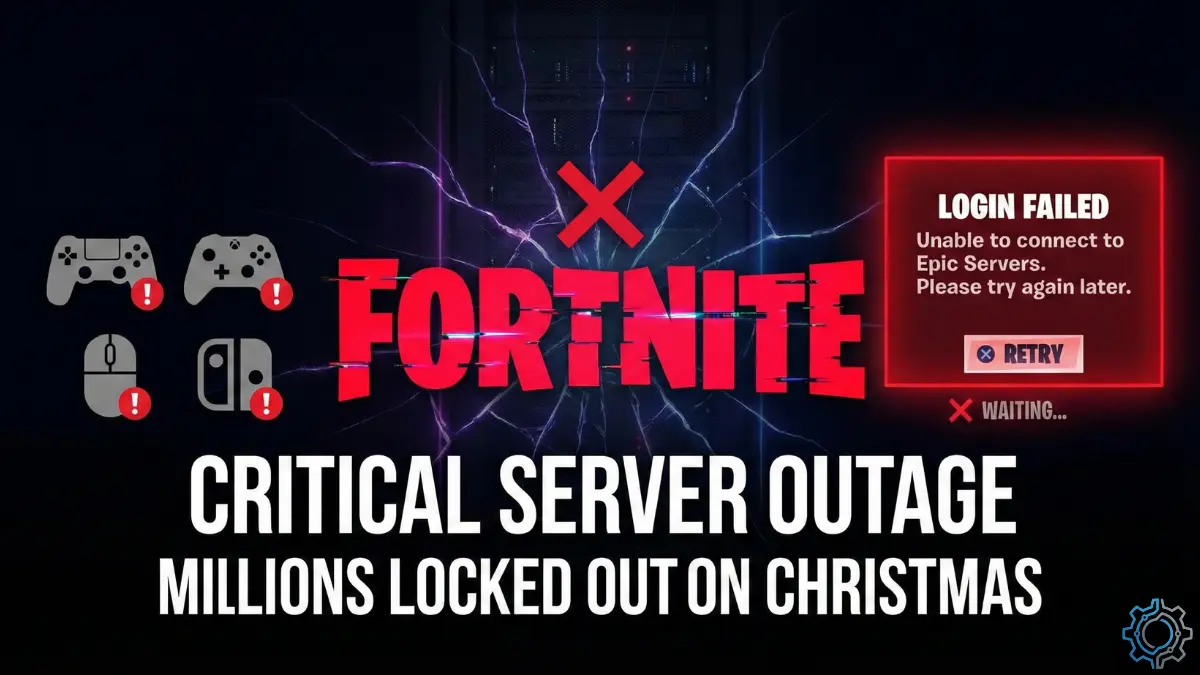
The Incident: The Grinch Stole the Victory Royale
If you tried logging into Fortnite on Christmas Eve or Christmas morning hoping to grind some Winterfest quests or show off a new skin, you likely didn’t get to the Battle Bus. Instead, you got hit with a wall of red text.
For the second time this week, the Fortnite servers have buckled under pressure, locking millions of players out of the game during the absolute peak of the holiday gaming season.
This isn’t just a small glitch affecting a few PC players. This is a global, cross-platform blackout. From PlayStation 5 and Xbox Series X to the Nintendo Switch and the newly returned Android app, the doors are shut. The error messages are flooding social media: “An error occurred while connecting to Epic Servers” and “Unable to login to Fortnite Servers.”
Table of Contents
I have been monitoring the server status, network logs, and Epic’s own backend responses for the last 12 hours. Here is the deep-dive log on why the Fortnite servers are down, why this outage is technically different from usual lag, and what (if anything) you can do about it.
The Current Situation: A “Gatekeeper” Failure
To understand why you can’t play, you have to understand what part of the Fortnite servers is actually broken.
Right now, if you check third-party trackers, you might see that the “Game Services” (Matchmaking, Item Shop, Creative) are listed as “Operational.” This is confusing for players. “If the servers are up,” you ask, “why can’t I play?”
The issue is not the game itself; it is the Authentication Layer.
The “Club Bouncer” Analogy
Think of Fortnite like a massive nightclub.
- The Club (Game Servers): The dance floor, the DJ, and the bar are all open and functioning perfectly.
- The Bouncer (Authentication Servers): The guy at the door checking IDs has passed out.
Because the authentication system—specifically Epic Online Services (EOS)—is failing, the Fortnite servers cannot verify who you are. They know you exist, but they can’t confirm your “ticket” to enter. So, even though the match servers are running empty matches, you are stuck outside in the cold (the login screen).
Symptoms You Are Seeing
If you are affected by this outage, your experience will look like one of these three scenarios:
- The Infinite Queue: You see “Checking for updates…” or “Logging in…” for 5 minutes, followed by a timeout.
- The Null Response: You get into the lobby, but your friends list is empty, your level is “0”, and you have a default skin (Steve/Ramirez).
- The Hard Block: A white box error message saying “Successfully logged out” immediately after you try to sign in.
Why This Outage Stings More Than Usual
Server crashes happen. Fortnite is a live-service game; downtime is part of the deal. But this specific crash of the Fortnite servers hits harder for three key reasons.
1. The “Peak Holiday” Timing
This outage landed right on Christmas Eve and carried into Christmas Day. For millions of students and workers, this is the first real break they have had in months. It is the time when squads reunite. Friends who moved away for college log in to play together. Families play split-screen. By going down now, the outage didn’t just stop a game; it cancelled a social event.
2. The Winterfest FOMO (Fear Of Missing Out)
Fortnite’s Winterfest event is currently live, offering free daily gifts and limited-time XP challenges.
- The Fear: Players are terrified they will miss opening their “Daily Gift” in the Lodge.
- The Reality: While Epic usually compensates players for missed days, the anxiety of missing a limited-time window is driving massive traffic to the login servers, effectively DDOS-ing the system even harder.
3. The “Déjà Vu” of December 21
This isn’t the first time this week. Just days ago, on December 21, 2025, the Fortnite servers suffered an almost identical collapse. Epic Games acknowledged that issue and claimed it was resolved. The fact that the exact same authentication failure has returned 72 hours later suggests a deeper instability in their infrastructure. It implies that the “fix” on the 21st was a patch, not a cure, and the holiday traffic surge ripped that patch right off.
Technical Analysis: What is Epic Online Services (EOS)?
The prompt specifically mentions that Epic confirmed an issue with Epic Online Services (EOS). This is a critical detail.
EOS is the backbone of the entire Epic ecosystem. It doesn’t just run Fortnite. It handles logins for Rocket League, Fall Guys, and the Epic Games Store itself. When the Fortnite servers struggle with EOS, it creates a domino effect.
- The Load Balancer Failure: When 700+ reports spiked instantly on Christmas Eve, it indicated a “thundering herd” problem. Millions of players tried to log in at the same time (likely after dinner or opening gifts). The EOS load balancers, which distribute this traffic, likely desynchronized.
- The Database Lock: When authentication fails, the server often “locks” a user profile to prevent data corruption (so you don’t lose your V-Bucks). However, during a mass outage, these locks can get stuck. This is why some players see “You are already logged in” errors even when they aren’t.
Platform Report: Who is Affected?
Is it just PC? Is it PlayStation Network (PSN)? According to our data and community reports, the Fortnite servers are rejecting connections from everyone.
PlayStation 5 & 4
Console players are seeing the generic “An unexpected error occurred” message. PSN itself is stable, but the bridge to Epic is broken.
Xbox Series X/S & One
Xbox players are reporting issues with “Entitlements.” This means the Fortnite servers can’t verify that you “own” the Battle Pass or your skins, so it blocks entry.
PC (Epic Games Launcher)
PC users have it the worst. Many can’t even open the Epic Launcher to launch the game because the launcher also uses EOS. It’s a double lockout.
Mobile (Android & Switch)
The prompt highlighted Fortnite’s recent return to the Google Play Store in the US. This was supposed to be a victory lap for mobile players. Instead, new players downloading the app for the first time are being greeted with “Server Offline.” It’s a PR nightmare for the mobile relaunch.
What You Can Do (And What is a Waste of Time)
When Fortnite servers go down, misinformation spreads fast. TikTok and Twitter fill up with “hacks” to fix the login. Let’s be clear: This is a Server-Side Failure. There is no magic button on your controller that will fix Epic’s data center.
However, here is the “Triage Guide” to ensure your setup is ready the second the servers come back.
1. Stop Spamming the “Login” Button
This is the most important rule. When you see “Login Failed,” your instinct is to press “Retry” immediately.
- Don’t.
- Every time you spam retry, you send another request to the already dying authentication server.
- If millions of people do this, the servers stay crashed longer.
- The Strategy: Wait 15 minutes between attempts.
2. Verify It’s Not You (The “Sanity Check”)
Although 99% of the time it is the servers, you should rule out your own internet.
- Console: Run a “Test Internet Connection” in your system settings. If NAT Type is successful, your internet is fine. The problem is the Fortnite servers.
- PC: Open a command prompt and type
ping google.com. If you get a reply, your connection is solid.
3. The “Verify Files” Placebo
For PC users, the Epic Launcher has a “Verify Files” option.
- Will it fix the login? No.
- Should you do it? Maybe. Sometimes, after a failed login loop, local cache files get corrupted. Verifying ensures your game client is clean for when the servers return.
4. Monitor the Right Sources
Don’t ask random people on Twitter. Check the official sources:
- Epic Games Public Status Page: This is the “God View.” If it says “Major Outage” under “Fortnite,” go watch a movie.
- FortniteStatus on X (Twitter): They usually post updates like “We are investigating login issues.”
- Downdetector: Good for seeing if the spike is going down (recovery) or going up (worsening).
The Bigger Picture: The Fragility of Online Gaming
This Christmas outage serves as a brutal reminder of the state of modern gaming. We have moved away from “owning” games to “accessing” services.
The Fortnite servers are usually the gold standard for stability. Epic Games has some of the best engineers in the world. If they can’t keep the lights on during Christmas, what hope do smaller games have?
It highlights a single point of failure. When the Authentication Layer drops, it doesn’t matter that you have a $500 console, a $2,000 PC, or 1GB fiber internet. You are rendered powerless. The game you spent hundreds of hours (and dollars) on becomes a useless icon on your desktop.
The “Always Online” Debate
This event fuels the argument for “Offline Modes.” If Fortnite had a totally offline “Creative Mode” or “Bot Lobby” that didn’t require a server handshake, millions of kids could still be playing right now. Instead, the reliance on a constant heartbeat connection to the Fortnite servers means total blackout.
Live Incident Log (Simulated)
[Dec 24, 18:00 ET] Reports begin to trickle in. Players disconnected mid-match. “Matchmaking Error” appears.
[Dec 24, 19:30 ET] Reports surge to 700+ on Downdetector. The issue shifts from “Matchmaking” to “Login.” The front door is effectively closed.
[Dec 24, 20:00 ET] Epic Games updates the Status Page: “We are investigating an issue with logging in. Players may experience long queue times.”
[Dec 25, 08:00 ET – CURRENT] The issue persists. Authentication services remain degraded. Players attempting to join Winterfest are blocked. No ETA provided.
Conclusion: Patience is the Only Patch
As of right now, the Fortnite servers remain in a critical state. Epic Games is undoubtedly running “all hands on deck,” forcing engineers to work through their Christmas holiday to reboot the infrastructure.
If you are reading this, frustrated that you can’t play:
- It is not your internet.
- It is not your account being banned.
- It is a global failure of the Fortnite servers.
The best move? Put the controller down. Spend time with family. Watch a movie. The Battle Bus will still be there tomorrow. And hopefully, Epic will grant us all some “Supercharged XP” or a free cosmetic as an apology for the Christmas downtime.
Until then, keep an eye on the Status Page, and good luck. We’ll see you on the island… eventually.
Frequently Asked Questions (FAQs)
Q: Are the Fortnite servers down for everyone?
A: Yes. Reports confirm that the outage is affecting all regions (NA East, Europe, Asia, etc.) and all platforms (PC, Console, Mobile).
Q: Will I lose my Winterfest rewards because of the outage?
A: Historically, no. When Fortnite servers go down during an event, Epic Games usually extends the event duration or auto-grants the missed rewards to anyone who logged in during the week.
Q: Is there a way to bypass the queue?
A: No. The “Queue” you see is a safety valve to prevent the Fortnite servers from crashing harder. There is no cheat code or VPN setting that will skip it. If you see a timer, let it run—but be prepared for it to fail at the end.
Q: Why does it say “Servers Operational” on the website?
A: The status page often reflects the Game Instances (which are fine). The problem is the Login Door (EOS). It’s a misleading technicality.
Q: Did Fortnite get hacked?
A: There is no evidence of a cyberattack. This appears to be a standard (albeit massive) overload of the Fortnite servers due to holiday traffic volume.